

How to Easily Fix Annoying LED Flickering and Buzzing
Are your LED lights flickering, buzzing, or not dimming properly after an upgrade? These problems can be frustrating, especially when you expect new lighting to work better than your old fixtures. In many cases, LED lights flickering after installation can point to incompatible dimmer switches, wiring issues, or problems with the LED driver. Understanding the cause can help you determine whether you need a simple adjustment or professional electrical assistance.
The Old Dimmer May Be the Real Problem
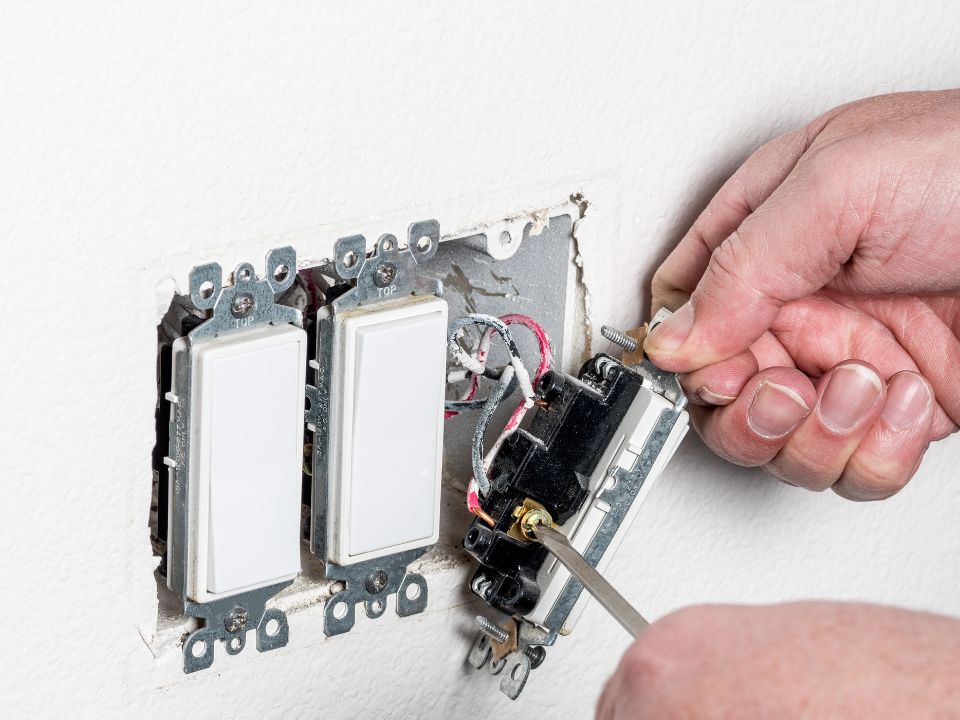
Many older dimmer switches were designed for incandescent bulbs. Those bulbs respond in a simple way when the amount of power changes. LEDs operate differently because electronic components inside the bulb or fixture control how the light works.
An electrician may find that the existing dimmer cannot communicate smoothly with the new LEDs.
Common symptoms include:
- Flickering at lower brightness
- Lights suddenly switching off
- A limited dimming range
- Buzzing from the bulb or switch
Changing to an LED-compatible dimmer can often improve performance, but the dimmer should also match the type and number of fixtures being controlled.
Some LEDs Need a Minimum Electrical Load
Older dimmers may expect more electrical load than modern LEDs provide. A fixture that once held several high-wattage bulbs may now use only a fraction of that power.
That difference can explain why the lights work at full brightness but become unstable when dimmed.
When homeowners ask how to fix LED flickering with dimmer switches, the answer should begin by checking compatibility—not by repeatedly replacing bulbs.
The LED manufacturer may publish a list of tested dimmers. Using one of those combinations can reduce the guesswork.
Buzzing Can Come From More Than One Place
Listen closely when the lights are on. Is the sound coming from the fixture, the bulb, or the wall switch?
That detail can help narrow down the cause.
A low-quality LED driver may create noise. An incompatible dimmer can also make electronic components vibrate. Loose wiring or poor connections deserve attention as well.
During an Idaho Falls ID electrician service call, the system should be viewed as a whole. The problem may involve one bulb, an entire group of fixtures, or the control device feeding them.
At Platinum Electric, we want to identify the source before recommending replacement parts.
Lights That Glow After Switching Off Need Attention Too
Some LED bulbs use so little energy that a tiny amount of current can make them glow faintly even after the switch is turned off. Certain illuminated switches, smart controls, or incompatible dimmers can contribute to this effect.
An experienced electrician can check the switch type, wiring, fixture driver, and neutral connections to determine what is happening.
This becomes especially important when several fixtures behave differently on the same circuit. Replacing bulbs one by one may only hide the pattern instead of fixing it.
Conclusion
LED upgrades can deliver excellent light and lower energy use, but the bulbs, drivers, dimmers, and wiring need to work together. Flickering, buzzing, poor dimming, or lights that stay faintly on are signs that the system deserves a closer look. Call Platinum Electric at (208) 403-3040 and let us create an LED lighting setup that works smoothly from full brightness to lights out.
We also provide services to Blackfoot, Collins, Chubbuck, Idaho Falls, Ammon, Rexburg, Jackson, Island Park, Shelley, Iona, and all surrounding areas.
How to Easily Fix Annoying LED Flickering and Buzzing Read More »